
Staff & user accounts
Staff holds your team’s records and links each to a login account with a role that controls what they can see and do.
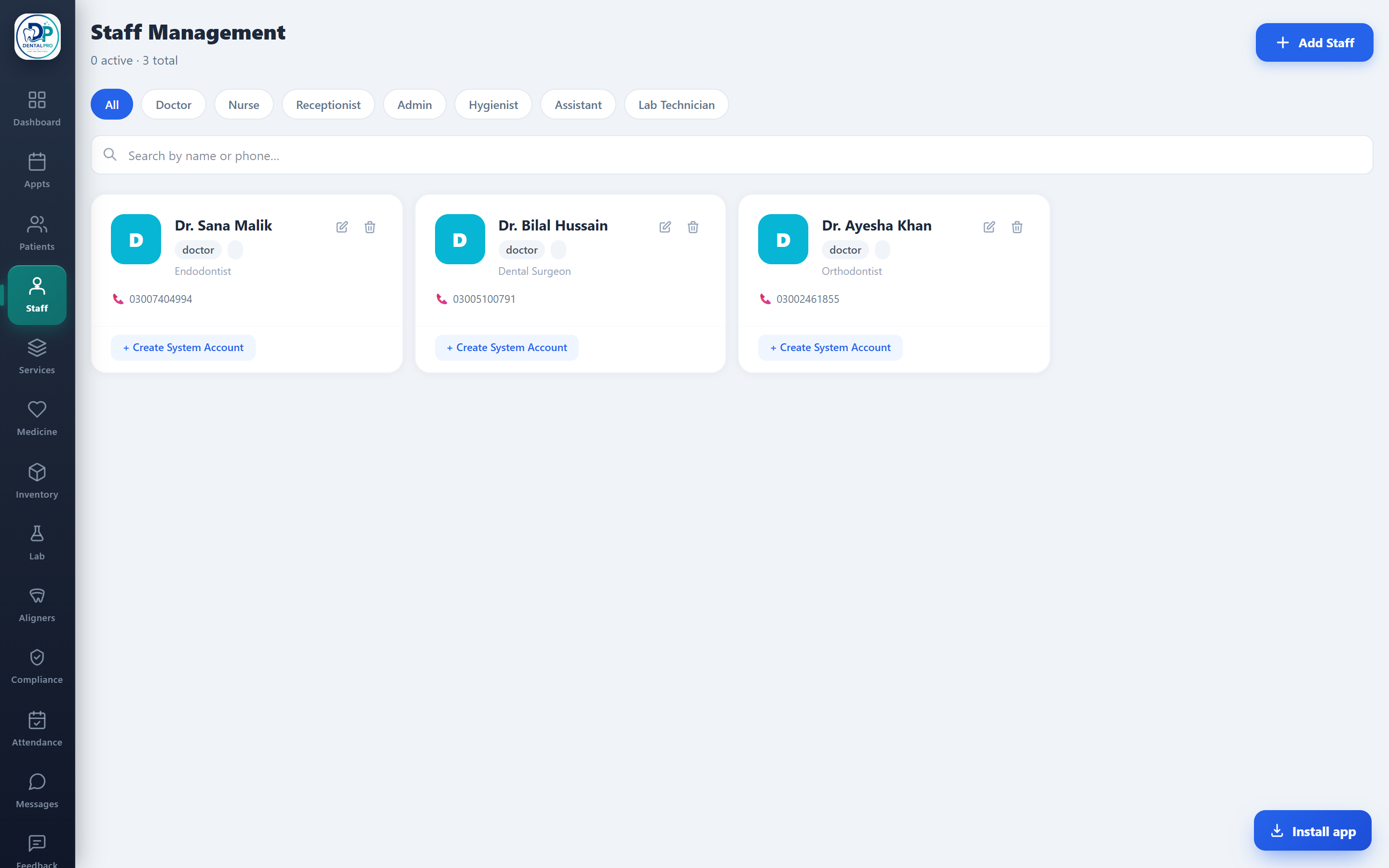
Open Staff
Tap Staff in the sidebar.
Add a team member
Record name, role, specialization, contact, joining date, salary and working hours.
Give them a login
Link a user account (username, password, role) so they can sign in. Roles like receptionist, doctor or accountant see only what their job needs.