
Managing inventory
Inventory tracks your materials with a full stock ledger, and can deduct stock automatically when a procedure is done.
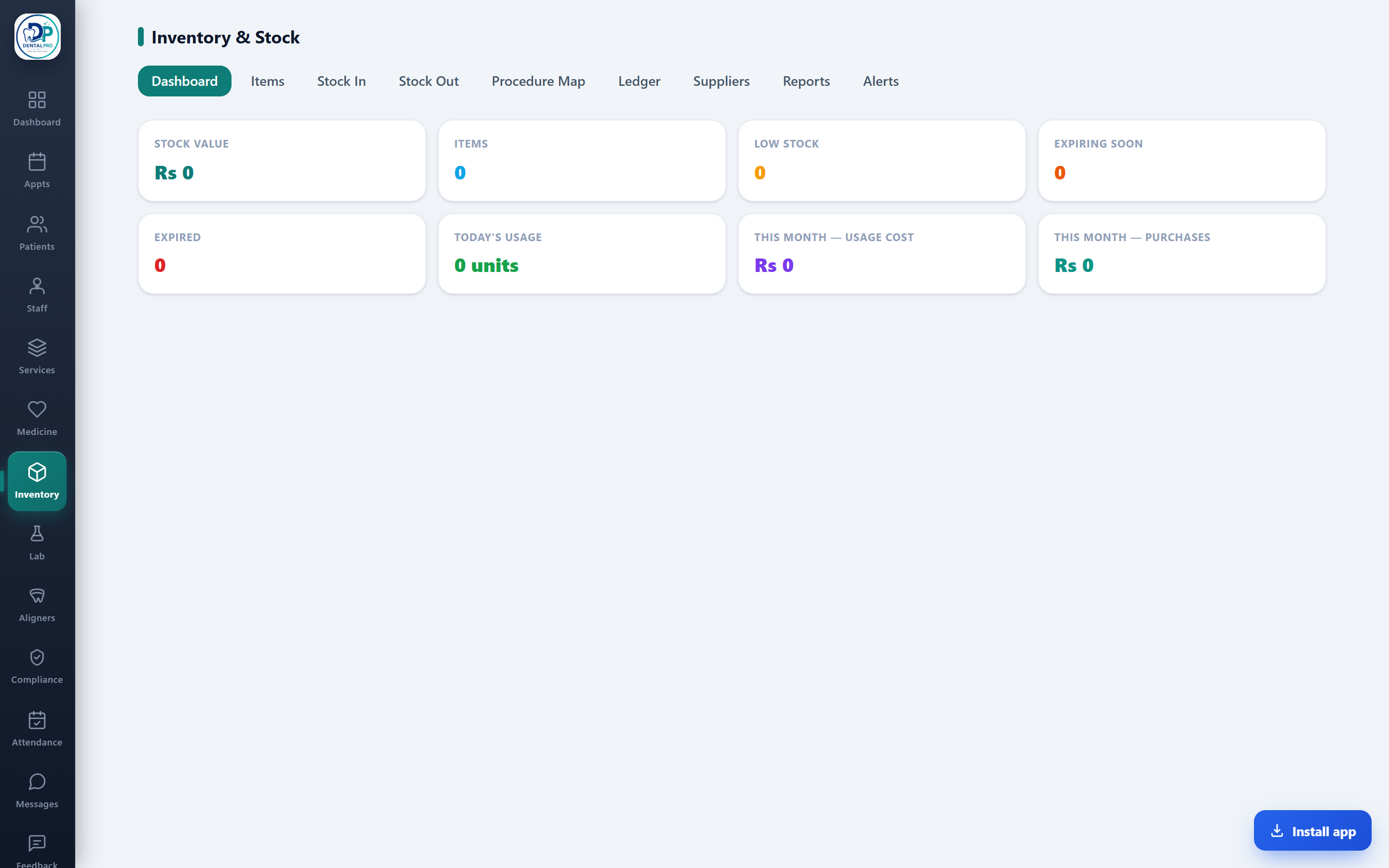
Open Inventory
Tap Inventory in the sidebar.
Add items & stock
Create items (category, brand, unit, barcode, supplier, reorder level, expiry), then record stock in, out and adjustments.
Map to procedures
Link materials to procedures so stock deducts automatically when that procedure is charted. Watch the low-stock and expiry alerts.