
Reading your dashboard
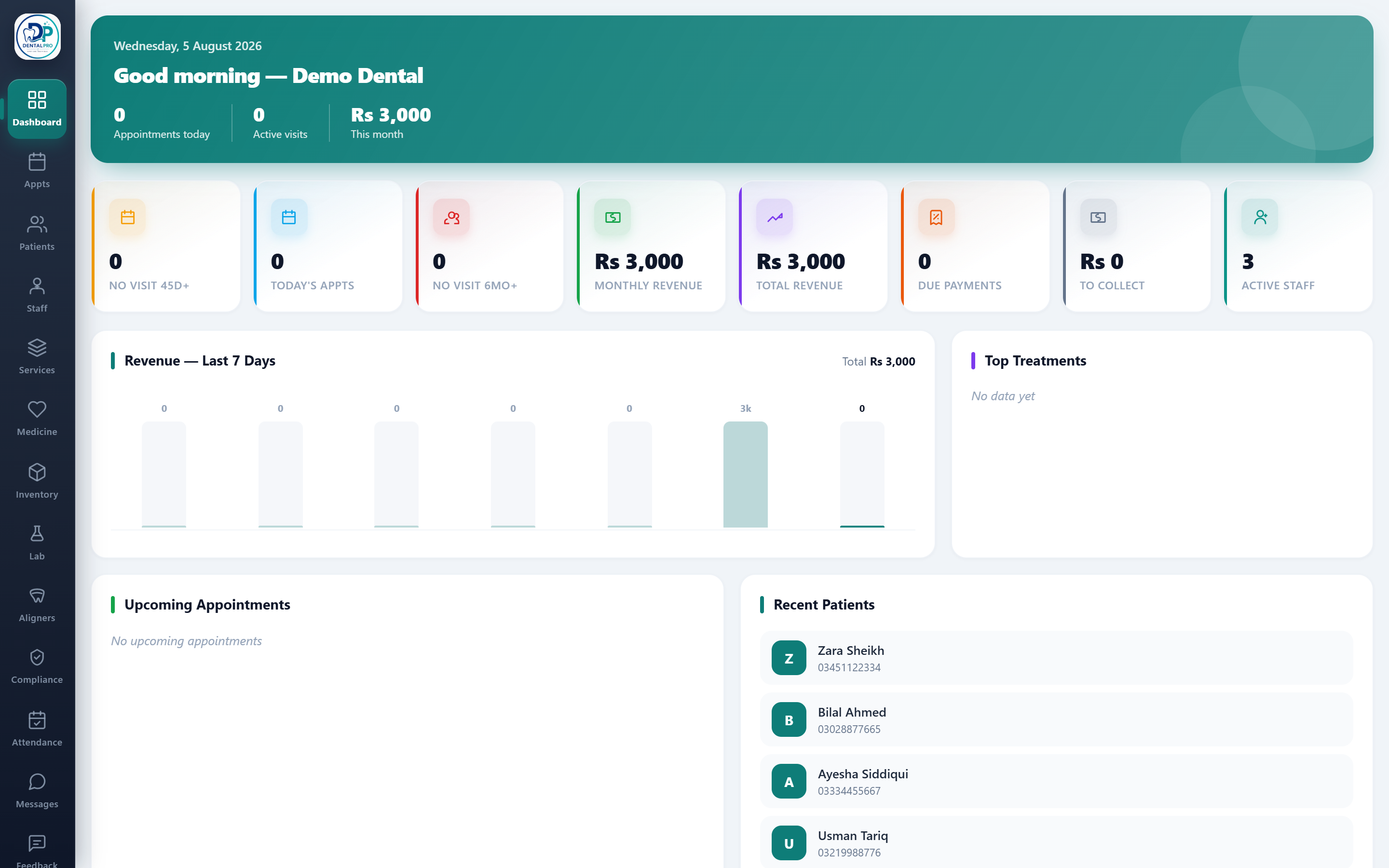
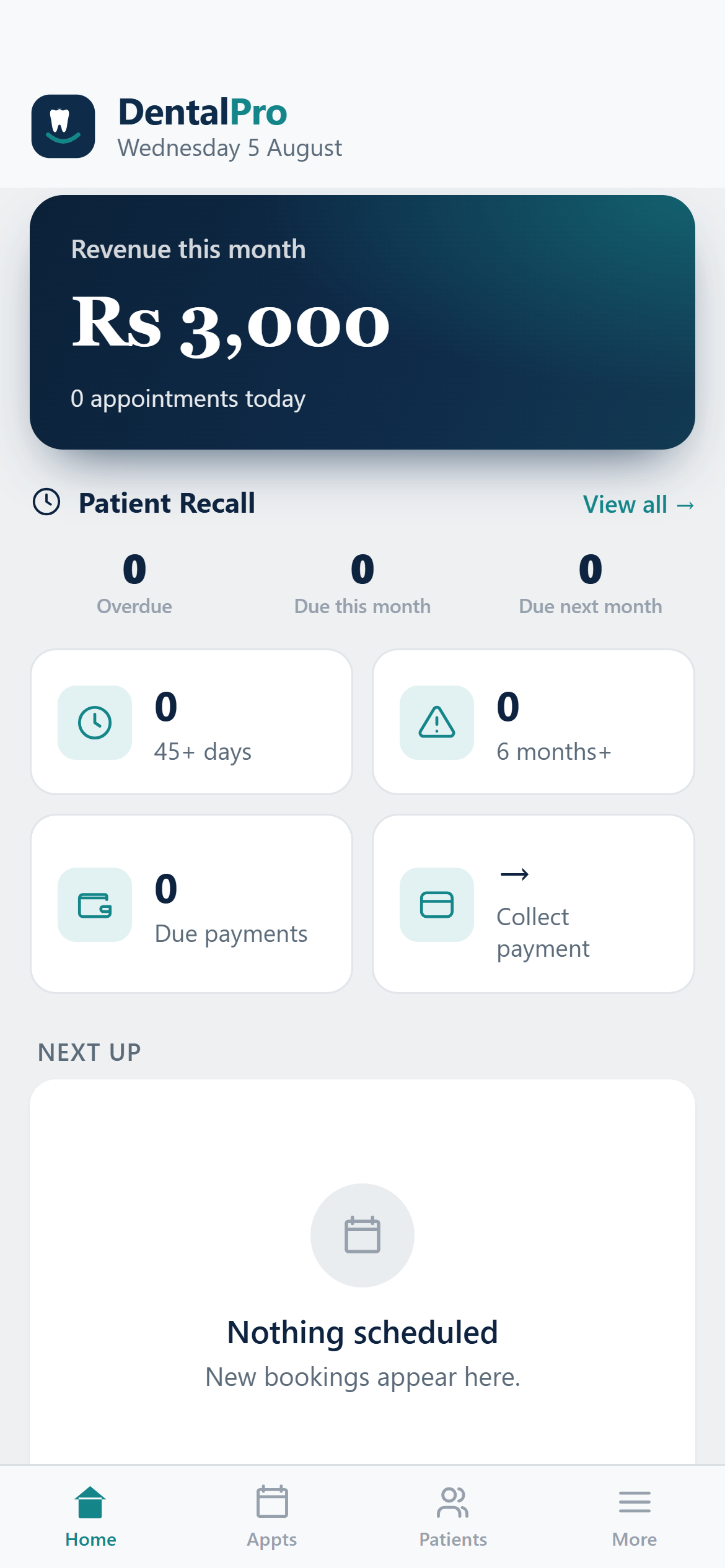
The dashboard is the first thing you see after signing in. Every number is a live count, and most cards are clickable, taking you straight to the list behind them.
The greeting bar
At the top you see today’s date, your appointments today, active visits, and this month’s revenue.
The KPI cards
Cards for Today’s Appointments, Due Payments, To Collect, No-Visit recalls (45 days / 6 months) and Active Staff. Click a card to drill into the exact list, for example, Due Payments opens just the patients who owe.
Upcoming appointments & recent patients
The lower panels list who is coming next and who was added recently. Tap any name to open that patient.
Only owners (super admins) see revenue figures. Other roles see the same dashboard with money hidden.