
Booking & managing appointments
Appointments has three views: a day list, a calendar, and each doctor’s availability. You can take a payment right when you book.
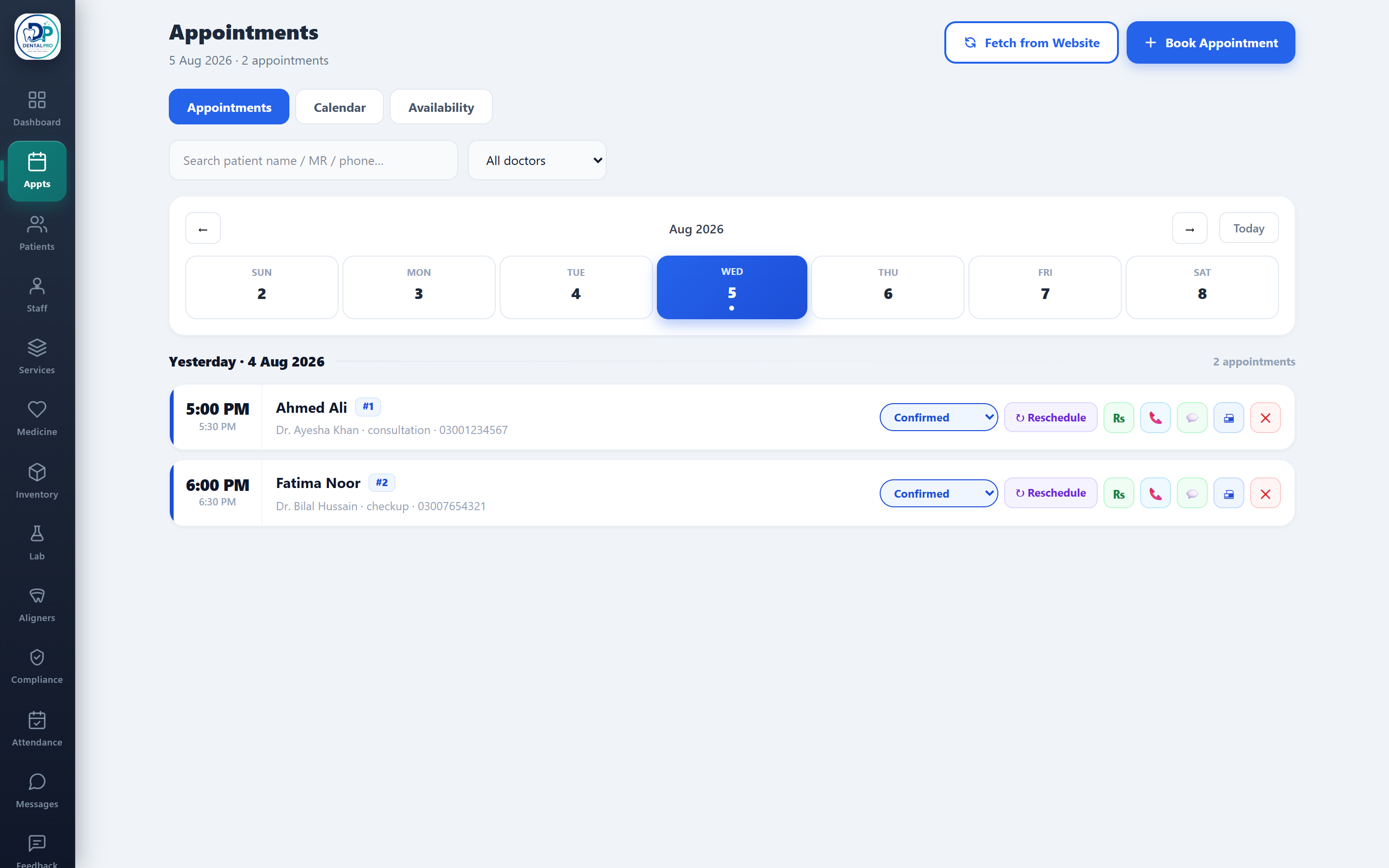
Open Appointments
Tap Appts in the sidebar (or the Appts tab on your phone).
Book an appointment
Tap New Appointment (or click an open slot on the calendar), then pick the patient, doctor, chair, date and time. You can record a payment at the same time.
Set doctor availability
In the Availability view, set each doctor’s working days, hours and slot length. This is what fills the calendar and your online booking page.
If your clinic uses shared chairs, DentalPro checks chair capacity automatically so two patients can never take the same slot.